
SimilarWeb will hand you a competitor's monthly traffic in about four seconds, and most people read an implied conversion rate off that number too. An independent study that checked SimilarWeb's traffic estimates against real Google Analytics data across 1,787 ecommerce sites found it overreporting sessions by roughly 94 percent on average, almost double the real number, with the gap widening further on smaller sites. The study measured sessions, pageviews, bounce rate, and time on site, not conversion rate directly, but conversion rate is just orders divided by sessions, so an overstated session count does not stay contained to the traffic line. It drags the implied conversion rate down with it.
Most "CRO competitor analysis" advice skips past that distinction entirely. Pick a few competitors, poke around their site, note what looks slicker, test something similar. None of it asks the question that matters first: which part of what you are looking at is actually data, and which part is a confident-looking guess.
- A CRO competitor analysis is only as useful as the gap between what you can measure and what a tool is estimating on your behalf.
- Traffic and conversion-rate estimators (SimilarWeb, SEMrush, and similar tools) are modeled from sampled panels, not from a competitor's real tracking, and the documented error rate is large enough to matter.
- Google's Chrome UX Report gives you real, measured field data on a competitor's page experience, for free, for any public domain with enough traffic.
- The highest-value part of a teardown is still the part you can observe directly: walking their actual checkout, step by step.
What the typical competitor-analysis guide actually tells you to do
Search for how to run a competitor analysis for conversion rate optimization and the advice converges fast: identify your real competitors, study their design and pricing, use "inspiration not imitation," and keep it routine. That is reasonable as far as it goes, but it treats every number that comes out of a competitor-intelligence tool as roughly equivalent in reliability, when some of it is observed and some of it is statistically inferred from a sample that never touched the competitor's own analytics.
Nobody outside a company's own GA4 property, Shopify admin, or ad accounts has their real session count, real conversion rate, or real revenue. Every third-party estimate of those numbers is a model's best guess, built from browser extensions, panel data, and scraped signals, scaled up to look like a precise figure. Treating that guess as a benchmark is how a CRO competitor analysis quietly turns into fiction with decimal points.
The two kinds of competitor data, and why the difference matters
Estimated: traffic, and anything you calculate from it
Tools like SimilarWeb infer a site's traffic from a sample of panel users, partner data, and crawlers, then scale that sample into a sitewide estimate. It is a real methodology, and it is directionally informative at scale, but the independent 1,787-site comparison against real GA data found the error on sessions specifically is systematic, not random noise: large, high-traffic sites came back closest to reality, while sessions on smaller or mid-sized sites were overreported badly enough to be unusable for anything more precise than "roughly this order of magnitude." The study did not measure conversion rate or revenue directly, but both are derived from sessions, so the same unreliability carries straight through into whatever a tool implies about either one.
That matters because the brands most likely to run a competitor analysis, growing DTC stores sizing up a handful of similar-sized rivals, are exactly the segment where these tools are least reliable. If you are weighing whether a competitor's redesign "worked" based on an estimated traffic jump, you are reading noise and calling it a signal.
Measured: real-user page experience data
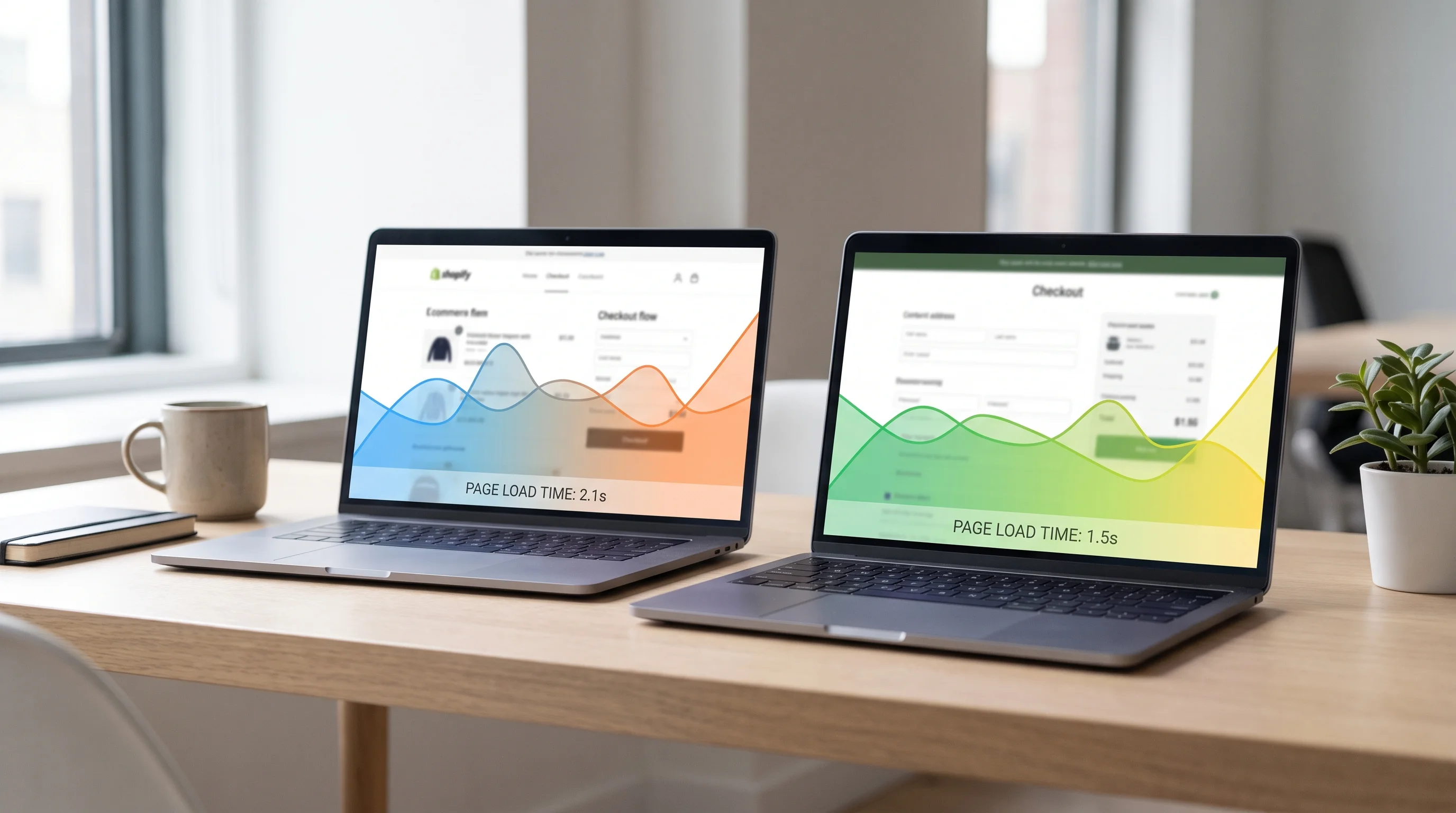
There is one category of competitor data that genuinely is measured rather than modeled: page experience. Google's Chrome UX Report (CrUX) aggregates real Core Web Vitals, Largest Contentful Paint, Cumulative Layout Shift, and Interaction to Next Paint, from actual Chrome users who opted into Chrome's usage-reporting sync. It is published per origin and, traffic permitting, per URL, and it is free to query through the PageSpeed Insights API or the dedicated CrUX API for any public site, including a competitor's.
The catch is eligibility, not cost. Google's own documentation on the PageSpeed Insights API notes that a URL must be public and have a sufficient number of distinct real-user samples before field data shows up; a page that is new or low-traffic will have no URL-level data, and PSI falls back to origin-level numbers covering the whole site instead. For most competitors worth analyzing, the origin-level data alone is enough to answer a narrow, honest question: does their storefront load and respond faster than mine, measured from real visitors, not from a lab test on one machine.
A funnel-stage teardown you can actually run
Once the estimated numbers are set aside, a competitor teardown is really a checklist you walk by hand, the same way you would audit your own funnel in a conversion rate optimization audit:
- Product page. Image count and detail depth, review visibility, and whether key buying questions (sizing, materials, shipping time) are answered on the page or require a click away.
- Add to cart. Friction between "add to cart" and the cart actually opening: forced variant selection, slow confirmation states, upsell interstitials that block the next step.
- Checkout. This is where Baymard Institute's checkout research gives you a real benchmark to measure against: whether guest checkout is the most visible option (62 percent of sites bury it), whether total cost appears before the final step, how many payment methods are offered, and roughly how many form fields stand between cart and confirmation.
None of that requires an estimate. You are a real visitor on their real checkout, and every friction point you log is an observation, not a model's output. That is also the exact structure behind a fixed-scope CRO audit: a funnel walked step by step, a competitor teardown layered on top for context, and the two findings sorted into a roadmap instead of a list of "best practices" nobody prioritized.
Turning a teardown into a test, not a copy
A competitor's checkout looking cleaner than yours is a hypothesis, not a verdict. Their traffic mix, average order value, device split, and customer trust level are all different from yours, and none of that shows up in a screenshot. Before testing anything a teardown surfaces, check it against your own industry conversion benchmark first, so you know whether you are actually underperforming or just assuming you are because a competitor's site looks newer.
The same discipline applies to the data itself. If the funnel numbers you are comparing your competitor teardown against are not trustworthy on your own side, a tracking audit is the step that comes before any competitor comparison means anything, because a CRO finding built on broken event data is a confident guess wearing a chart.
Free tools versus a paid teardown
A founder with twenty minutes can pull real Core Web Vitals on three competitors through the free PageSpeed Insights API and walk each checkout by hand. That gets you real, if narrow, signal at zero cost, and it is worth doing before spending anything.
What it will not give you is a prioritized roadmap: which of the gaps you found are worth fixing first, which ones are structural versus a quick win, and whether your own funnel data can even support the conclusion. That synthesis, not the raw observation, is what turns a list of differences into a plan, and it is the part most DIY competitor teardowns stop short of, not for lack of effort but because sorting ten observed gaps by real revenue impact requires the same funnel data validation a full audit is built around.